

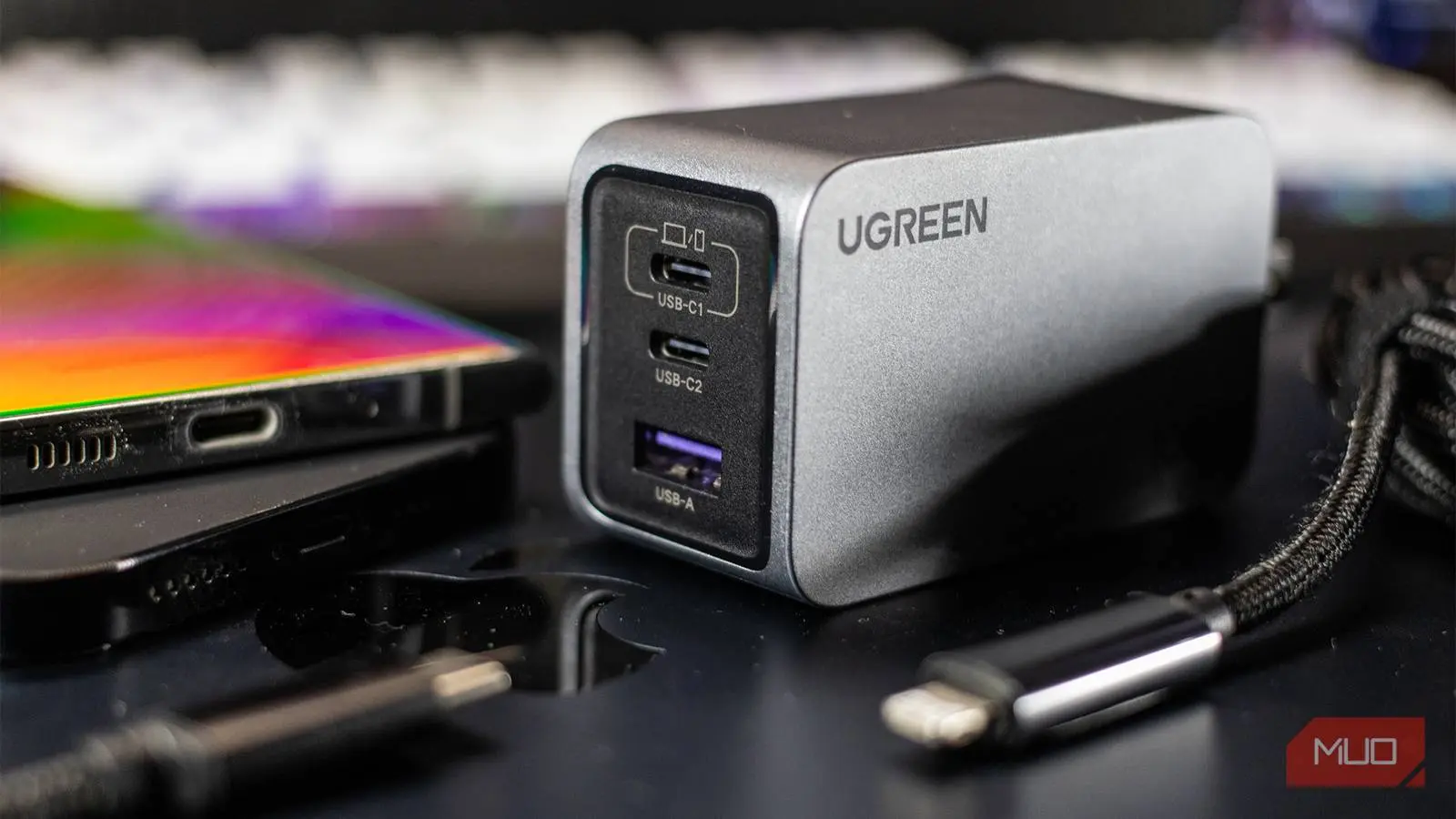
Buying a phone charger used to be simple—you just grabbed whatever came in the box or a cheap replacement from the store. But in recent years, manufacturers stopped including chargers with most new smartphones, forcing consumers to navigate a maze of wattage numbers, port types, and confusing acronyms. Terms like PD, PPS, QC, and GaN are now plastered across packaging, but few people know what they actually mean. Understanding these technologies is essential to avoid wasting money on chargers that don't work optimally with your devices—or worse, that could harm your battery over time. This article breaks down each term in plain English and offers practical advice for choosing the right charger.
Why Charger Shopping Became Complicated
The End of the Included Charger
The shift away from including chargers began with Apple in 2020, citing environmental reasons and the fact that most users already owned adapters. Samsung and other Android manufacturers quickly followed suit. While this move reduced e-waste, it also shifted the burden of compatibility onto the consumer. Now, instead of receiving a perfectly matched charger, you have to research which standard your phone supports and then find a compatible brick. This is further complicated by the fact that chargers are often advertised with peak wattage figures that may not be achievable with your specific device.
USB-A vs USB-C Confusion
USB-C is the universal connector for modern phones, laptops, and many accessories. However, not all USB-C ports are created equal. Some older chargers still use USB-A ports, which can only deliver up to a limited amount of power. Even on USB-C chargers, the actual charging speed depends on the protocol being negotiated between the charger and the device. A cheap USB-C cable might look identical to a high-speed one but lack the internal wiring needed for fast charging. This confusion has made charger shopping a minefield for ordinary users.
Key Charging Technologies Explained
USB Power Delivery (USB PD)
USB Power Delivery is an industry-standard charging protocol that allows devices to communicate and negotiate the optimal voltage and current. Instead of supplying a fixed 5V output like older USB standards, USB PD can dynamically adjust voltage up to 20V and current up to 5A, delivering up to 100W. This standard is supported by nearly every modern smartphone, many laptops, and tablets. The key advantage is safety: the device only draws the power it needs, and the charger supplies it in the safest way possible. Most fast chargers sold today support USB PD, and it's the baseline you should look for when buying a new charger.
Programmable Power Supply (PPS)
Programmable Power Supply is an extension of USB PD that enables even finer-grained power negotiation. While standard USB PD adjusts voltage in steps (e.g., 5V, 9V, 15V, 20V), PPS can vary the voltage continuously in millivolt increments. This allows the charger to match the device's exact needs in real-time, reducing heat generation and improving charging efficiency. PPS is particularly beneficial for fast charging modern phones that have high-capacity batteries, as it helps maintain peak speed for longer without overheating. Brands like Samsung and Xiaomi have adopted PPS for their fastest charging technologies. If your phone supports PPS, a PPS-compatible charger will charge it faster and cooler than a standard USB PD charger.
Qualcomm Quick Charge (QC)
Quick Charge is a proprietary technology developed by Qualcomm for devices using Snapdragon processors. It works similarly to USB PD but uses its own negotiation protocol. QC has gone through several generations (QC 2.0, 3.0, 4.0, and 5.0), each offering higher power and better efficiency. QC 4.0+ is compatible with USB PD, meaning a charger that supports both standards can fast charge a wider range of devices. While USB PD is more universal, many Android phones still rely on Quick Charge for maximum speed, especially older models. If you own a Snapdragon-powered phone, check which QC version it supports to ensure you get the fastest possible charging from a compatible charger.
Gallium Nitride (GaN) Chargers
Gallium Nitride is not a charging protocol but a semiconductor material that replaces traditional silicon in power electronics. GaN transistors can switch at much higher frequencies and handle higher temperatures than silicon, which allows manufacturers to build chargers that are significantly smaller, lighter, and more efficient for the same power output. A 65W GaN charger can be the size of a standard 30W silicon charger, making it ideal for travel. The efficiency also means less energy is wasted as heat, which can prolong the lifespan of both the charger and your device's battery. GaN chargers are becoming increasingly affordable and are considered the new standard for compact fast charging.
Wattage Myths and Compatibility
Your Phone's Maximum Charging Speed
A common misconception is that a higher wattage charger will always charge your phone faster. In reality, every smartphone has a maximum charging speed built into its hardware and software. For example, the Galaxy S26 tops out at 25W, so plugging it into a 45W charger will not make it charge any faster—it will simply draw the maximum 25W it supports. Paying extra for a high-wattage charger is pointless unless you also use it for laptops or other high-power devices. The smart approach is to check your phone's specifications and buy a charger that matches or slightly exceeds that wattage. Any extra capacity above that is unused but harmless.
Multi-Port Charger Power Sharing
When a charger has more than one port, the total wattage is shared among the ports. A 65W dual-port charger may deliver 45W through one port and 20W through the other, or split as 30W/30W, depending on the design. This is because the internal power supply has a fixed maximum output, and it allocates power dynamically. If you plug in two high-demand devices simultaneously, you may not get full fast charging on either. To solve this, some high-end chargers prioritize a specific port when only one device is connected. When shopping for multi-port chargers, review the power distribution chart to ensure it meets your typical usage scenarios.
The Often Overlooked Cable
Why Cable Ratings Matter
Even the best charger is useless if the cable can't handle the power. USB-C cables have an internal rating for the maximum current they can carry. Many standard cables are designed only for data transfer or low-power (2A), while fast charging requires cables rated for 3A to 5A. If you plug a 100W charger into a phone but use a 15W cable, the system will throttle down to the cable's limit. Always look for cables that explicitly mention support for USB PD or the specific wattage you need. Also, cables with e-markers (electronic chips) can communicate their capabilities to the charger, enabling optimal power delivery. Cheap, unbranded cables often lack these features and may even pose safety risks due to poor insulation or substandard wiring.
Finally, it's essential to buy chargers and cables from reputable brands. Non-certified chargers may claim high wattage but fail to provide stable voltage, leading to slower charging or overheating. They may also lack safety features like overcurrent protection, short-circuit prevention, and temperature control. Investing a little more in a known brand ensures compatibility, safety, and longevity. By understanding these key concepts, you can confidently buy the right charger for your devices without getting lost in the jargon.
Source:MakeUseOf News