

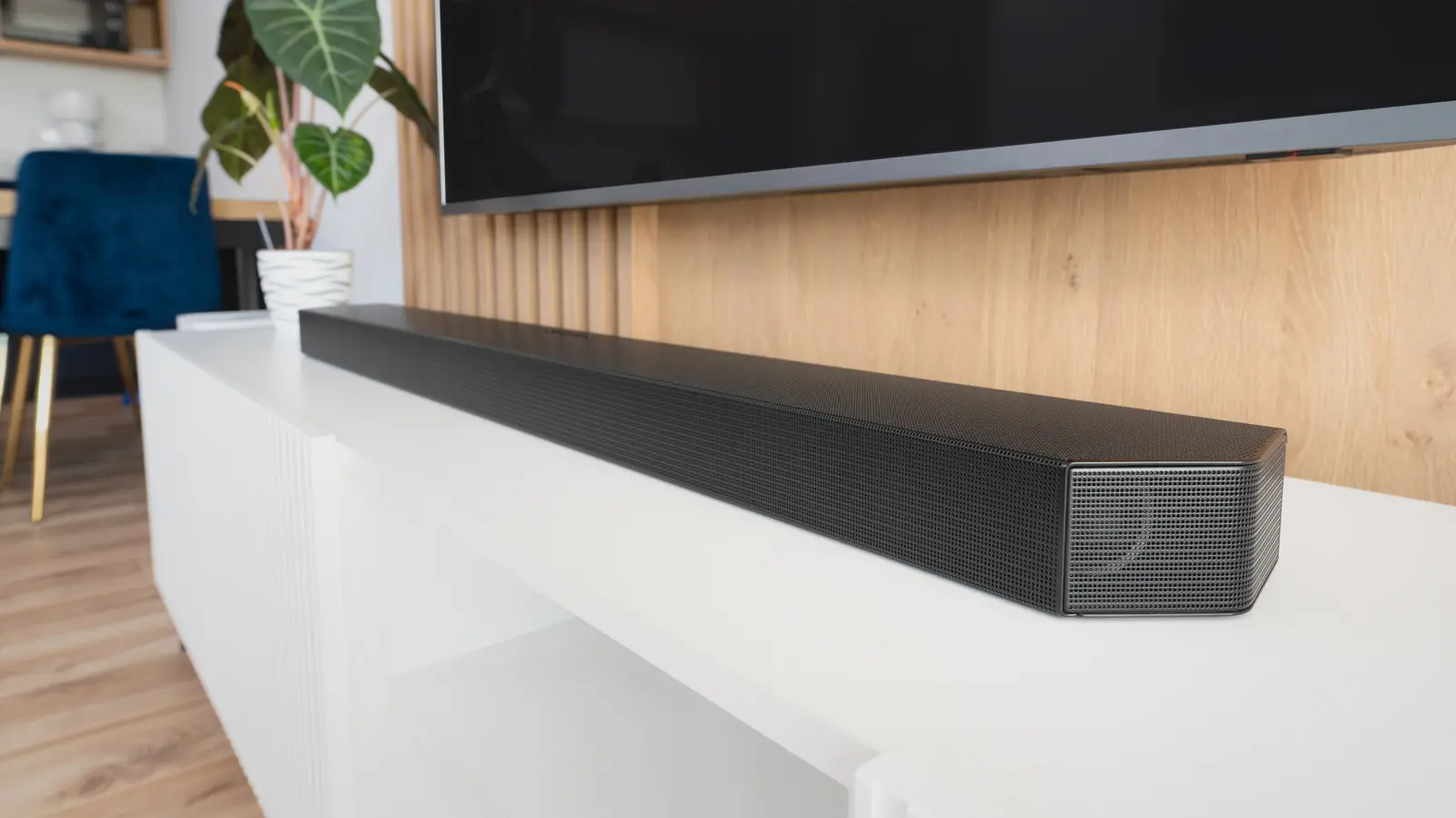
Installing a new soundbar begins with knowing the best and worst places to put it, as you want to ensure the best sound possible. It's also good to understand the channels, as they describe how your soundbar is designed to reproduce audio. For example, in the 5.1.2 soundbar designation, each number represents a different type of audio channel.
The first number represents the primary audio channels. These channels are responsible for dialogue, music, and sound effects. The second number is for the subwoofer channels that the soundbar uses for bass. If there is a third number, it represents height channels, or audio that creates the effect of sound coming from above the device. This is reserved for overhead effects like Dolby Atmos. A 5.1.2 soundbar includes five main channels, one subwoofer channel, and two height channels. In contrast, 11.1.4 designs are considered among the best soundbars for audiophiles, as they add more channels for a wider and richer sound overall.
The reason some soundbars have more primary channels than others is due to the device's setup. These channels can include dedicated audio for the left, right, and center speakers. But they can also have additional surround sound channels that help create a wider listening space. The number of height channels can vary because different soundbar designs can include more or fewer of these upward-firing channels.
Understanding soundbar channels and features
A soundbar's number of channels can help influence your decision on which model to buy, but there's actually more to consider than that. That's because while more channels can add more speakers and audio separation, that configuration may not be the best choice for a smaller room. A basic 2.1-channel soundbar could be enough if you just want to improve your TV's audio, while a larger system with additional speakers, subwoofers, and rear channels is ideal for creating a surround-sound experience.
One important feature you may need is the center channel, which isn't included on every soundbar but can make voices easier to hear. The center channel can improve dialogue clarity in movies and TV shows because it is a dedicated channel designed primarily for that purpose. If you're looking for deeper bass, you may find it with some of the best soundbar and subwoofer combos.
But beyond channels, the physical size of the soundbar and the space where it will be used are also important factors to consider when buying. This means choosing a model that fits your setup, including the available space and whether you're using an entertainment stand or placing it under a wall-mounted TV. The soundbar should match both your room and your TV to help ensure it delivers the right balance of performance and usefulness.
History and Evolution of Soundbar Channels
To fully appreciate what channels mean, it helps to understand how soundbars evolved. Before soundbars, home theater setups relied on separate speakers: left, right, center, surround, and subwoofer. The first soundbars emerged in the early 2000s as a simplified alternative, combining multiple speakers into a single enclosure. Early models were typically 2.0 or 2.1 channels, offering stereo sound with or without a subwoofer. As technology improved, manufacturers began adding more channels to simulate surround sound using digital signal processing.
The introduction of Dolby Atmos in 2012 brought height channels into the picture. Soundbars with upward-firing speakers could bounce sound off the ceiling, creating the illusion of overhead effects. This led to the three-number format (like 5.1.2) where the third number denotes height channels. Today, high-end soundbars can feature up to 11.1.4 channels, offering a truly immersive audio experience rivaling traditional multi-speaker setups.
How to Choose the Right Number of Channels
Selecting the right soundbar depends on your room size, listening habits, and budget. In a small bedroom or apartment, a 2.1 soundbar may be sufficient. For a medium-sized living room, a 3.1 or 5.1 soundbar provides better separation and dialogue clarity. Large home theaters benefit from 7.1 or 9.1 systems with dedicated surround and height channels. If you frequently watch action movies or play video games, consider a model with Dolby Atmos support (e.g., 5.1.2 or 7.1.4).
It's also important to consider connectivity: many modern soundbars support HDMI eARC for lossless audio, Bluetooth for music streaming, and Wi-Fi for multi-room setups. Some include wireless subwoofers and rear speakers, making installation easier. Remember that more channels usually mean larger soundbars, so measure your space before buying.
Technical Details: How Channels Work
Each channel in a soundbar corresponds to an audio track or a group of speakers. The primary channels (first number) handle frequencies from about 80 Hz upward, covering most of the sound spectrum. The subwoofer channel (second number) deals with low frequencies below 80 Hz, providing deep bass. Height channels (third number) reproduce frequencies associated with overhead sounds, such as rain, helicopters, or ambient effects.
Soundbars use digital signal processing (DSP) to virtualize channels, sometimes creating the illusion of more speakers than physically present. For instance, a 2.1 soundbar can simulate surround sound using psychoacoustic tricks. However, dedicated physical channels generally offer better accuracy and immersion. The best results come from soundbars with actual drivers for each channel, plus a separate subwoofer for impactful bass.
Another aspect is codec support. To fully utilize height channels, your soundbar must decode Dolby Atmos or DTS:X. These object-based codecs allow sounds to be placed anywhere in a 3D space, moving beyond traditional channel-based audio. Check that your TV and source devices also support these codecs via HDMI eARC or optical connections.
Real-World Examples: Channel Configurations
Here are common channel configurations and what they offer:
- 2.0 channels: Stereo left and right, no subwoofer. Basic upgrade for TV speakers.
- 2.1 channels: Stereo plus subwoofer. Improved bass and fuller sound.
- 3.1 channels: Left, center, right, plus subwoofer. Center channel enhances dialogue clarity.
- 5.1 channels: Left, center, right, two surround speakers, plus subwoofer. True surround sound without height.
- 5.1.2 channels: Adds two height channels for Dolby Atmos entry-level immersive audio.
- 7.1.4 channels: Left, center, right, four surrounds (side and rear), subwoofer, and four height channels for premium home theater.
- 9.1.4 or 11.1.4: Used in flagship soundbars, often with up-firing and side-firing drivers for wide soundstage and precise overhead effects.
Manufacturers like Sony, Samsung, LG, and Sonos offer various models across these ranges. For example, the Samsung HW-Q990D features 11.1.4 channels, while the Sonos Arc is a 5.0.2 system (no dedicated subwoofer but can pair with a separate Sub).
Common Misconceptions About Soundbar Channels
A frequent myth is that more channels always mean better sound. While additional channels can provide more audio separation, the quality of the drivers, amplification, and room acoustics matter more. A well-engineered 3.1 soundbar may outperform a cheap 5.1 system with tiny speakers. Another misconception is that all soundbars with height channels are equally effective. The angle of upward-firing drivers, ceiling height, and ceiling material significantly affect how well overhead effects are reproduced.
Some people think they need a separate subwoofer for good bass. Many soundbars with built-in subwoofers or passive radiators can produce adequate low-end for small to medium rooms. However, for movie enthusiasts, a wireless subwoofer often provides deeper, more impactful bass. Also, not all soundbars support rear satellite speakers; some use virtual surround that works best in certain room shapes.
Practical Tips for Setting Up Your Soundbar
Once you've chosen a soundbar, proper placement enhances channel performance. Place the soundbar directly below or above your TV, centered horizontally. For height channels, ensure there is a clear path to the ceiling; avoid shelves or objects that block upward-firing speakers. If using rear speakers, position them behind your seating area at ear level. Calibrate the system using the soundbar's room correction feature, if available, to adjust levels and delay for your room.
Connect via HDMI eARC for the best audio quality, as it supports lossless Dolby TrueHD and DTS-HD Master Audio. If your TV lacks eARC, use optical or ARC, but note that these may limit audio formats to compressed versions. Update firmware regularly to improve performance and add new features.
Finally, adjust the soundbar's equalizer settings to your preference. Many soundbars offer presets like Movie, Music, or Night mode. For dialogue enhancement, boost the center channel level. For a more spacious sound, increase the surround level slightly. Experiment until you find the sweet spot for your content and environment.
Source:SlashGear News