

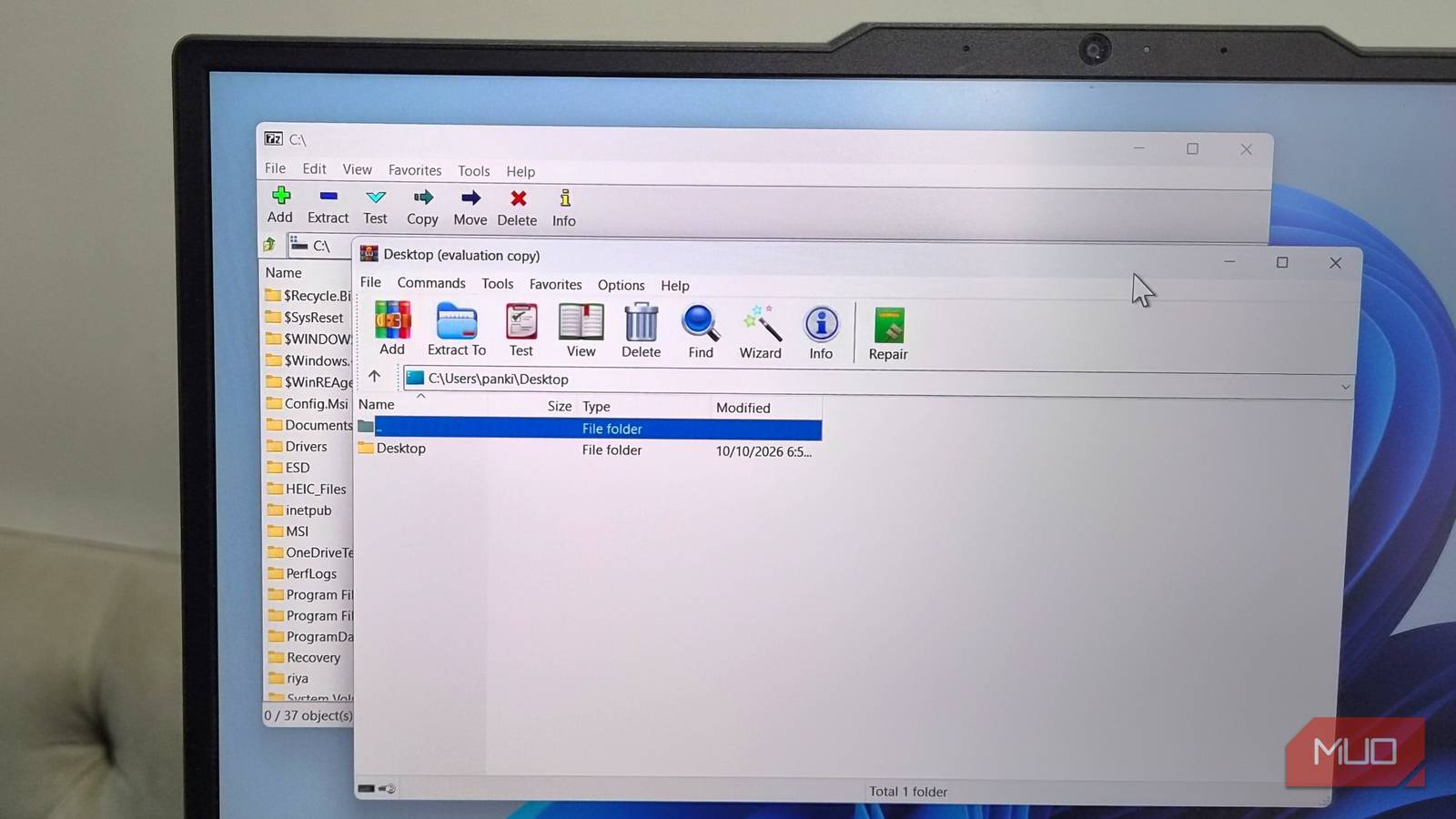
7-Zip and WinRAR are two of the most widely installed utilities on Windows PCs. They are small, familiar, and often added during the first round of software setup, then left alone for years. That long tenure is exactly what makes their update behavior important. Neither application checks for new versions automatically, and neither presents users with a simple built-in update button. The result is a quiet form of version drift: the software keeps working, so users assume it is current, while security fixes pile up on the official download page.
The risk is not theoretical. Archive tools parse complex file formats, open files from email attachments and downloads, and often run with the same privileges as the user. When a flaw exists in that parsing code, a malicious archive can become an entry point for memory corruption, file overwrite, or code execution. A patch may be available, but it cannot protect a PC if the installed copy never receives it.
Key facts at a glance
- 7-Zip and WinRAR do not include automatic update checking.
- Users must compare the installed version with the latest release on the official site.
- Outdated archive utilities can remain exposed to known vulnerabilities for months or years.
- Recent fixes have addressed issues involving RAR5 recovery files and Windows security-warning bypasses.
- Manual updates are technically simple but depend on a habit that most users never form.
- UniGetUI and similar package-management tools can monitor and install updates for many Windows applications.
Why the update gap persists
The absence of automatic updates is not an accident of coding. It reflects the design philosophy of older, lightweight utilities. Both programs were built to do one job: compress and extract files. They were designed to work offline, avoid background services, and keep resource use low. Auto-update systems require additional components: a scheduled checker, signed update manifests, download verification, rollback handling, permission prompts, and a user interface for notifications. For small development teams, those requirements add complexity and maintenance overhead. A manual download page is simpler and gives users direct control over when and how software changes. That model made sense in an era when utilities were updated rarely. It makes less sense now that archive parsers are treated as security-sensitive code. Portable editions add another wrinkle. Many users keep 7-Zip or WinRAR on a USB drive or in a tools folder, where installers and update services may not exist. Enterprise deployments also rely on controlled images and software distribution systems, so automatic updaters can interfere with managed rollouts. The result is a patchwork: some users receive updates through IT departments, some install fresh copies once a year, and many never check at all. Because the applications continue to open and create archives normally, there is no visible warning that the underlying code is stale. The interface looks the same, the right-click menu works, and the extraction progress bar finishes. That smooth experience hides the difference between a current build and one missing critical fixes.
Archive files are a quiet attack surface
Archives are ordinary enough to escape scrutiny. They arrive as email attachments, software bundles, project handoffs, invoice packages, and downloaded backups. Users expect them to contain many files, so a malicious payload can sit beside legitimate documents. Attackers also know that archive formats are complex. Compression algorithms, recovery records, filename encoding, symbolic links, and path handling all create opportunities for bugs. A flaw in one of those areas can allow a crafted file to write outside a target folder, corrupt memory, or bypass a security prompt. Recent examples show why patching matters. In one case, a flaw in how WinRAR processed RAR5 recovery files could let a specially crafted set of .rev files trigger memory corruption and potentially remote code execution. In another, a 7-Zip vulnerability allowed attackers to bypass a Windows security warning and extract a malicious file. These issues are rare, and vendors generally fix them quickly once reported. The danger is the interval between the fix and installation. An attacker who learns about a vulnerability can weaponize it while many users are still running older builds. Archive utilities are especially exposed because they handle untrusted input by design. A user does not need to run a suspicious executable to trigger a parser flaw; opening or extracting the wrong archive may be enough. That makes the update gap more than a maintenance annoyance. It is a security control that has been left to memory and chance.
Manual updates are simple, but easy to postpone
The manual process is not difficult. In 7-Zip, users can open the Help menu and choose About 7-Zip to see the installed version. They then need to visit the official site, compare that number with the latest release, download the current installer, and run it. Existing settings and file associations are usually preserved. WinRAR follows a similar path: open Help, choose About WinRAR, note the version, click the Home page button, check the official site, and download the newest installer. Running the installer updates the existing installation. The hard part is not the installation. The hard part is remembering to repeat the check every few weeks. Most users install an archive tool once and never think about it again. There is no tray icon reminding them, no update badge, and no scheduled prompt. Even security-conscious users can miss the task when they are busy. A calendar reminder helps, but it is still a periodic check rather than real-time protection. If a patch is released today and a user checks once a month, the exposure window can stretch for weeks. Attackers do not wait for that schedule. The manual model also puts the burden of verification on the user. They must find the official site, avoid lookalike download pages, and confirm that the installer is legitimate. That is manageable for experienced users, but it is not a reliable system for millions of installations.
How automation closes the gap
Package-management tools offer a more consistent answer. UniGetUI is a free, open-source graphical app that can manage software updates across Windows. It works with multiple package sources and can scan installed programs, including applications that did not come from the Microsoft Store. Once configured, it can check for newer versions on a schedule, notify the user when updates are available, and install them automatically. That changes the update model from manual recall to background maintenance. The tool also provides control. Users can exclude specific programs from automatic updates, skip particular versions, and review update history. Permissions can be granted so that installation prompts are handled without constant intervention. For 7-Zip and WinRAR, the practical benefit is that version checks no longer depend on a user remembering to open the Help menu. The same system can cover other utilities, runtimes, and desktop apps that are easy to overlook. It is important to use reputable package sources and to keep the package manager itself updated. Automation is not a substitute for good security practice, but it reduces the chance that a known fix sits uninstalled for months. For users who prefer not to adopt a package manager, a recurring reminder is better than nothing. For users who manage several PCs, automation is the more scalable option. The goal is not to eliminate every risk; it is to close the most predictable gap between the release of a patch and its installation.
What users should check now
The first step is to confirm the installed version. Open 7-Zip, go to Help, and select About 7-Zip. For WinRAR, open Help and select About WinRAR. Compare the version number with the latest release listed on the official site. If the installed build is older, download the current installer from the official source and run it. Close any open archives before updating, and confirm that the installer completes successfully. Users who rely on portable versions should download a fresh portable package and replace the old folder after backing up settings. Those who manage multiple machines can standardize on a package manager or software distribution tool so that updates are applied consistently. It also helps to review other small utilities that lack automatic updates, because archive tools are rarely the only overlooked software on a PC. The most important step is the first one: open the Help menu, confirm the installed version, and compare it with the latest official release. That single check turns an invisible risk into a manageable maintenance task.
Source:MakeUseOf News